

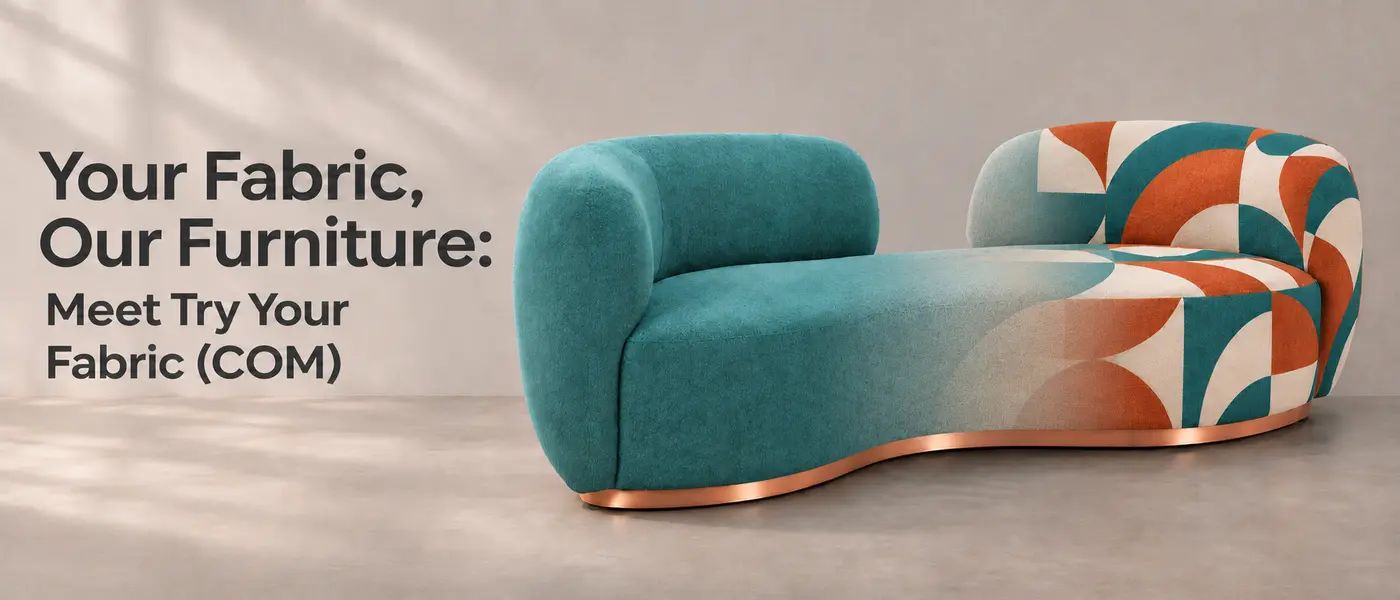
Found a ZUO piece you love, but have another fabric in mind? Now you can see them together in seconds.
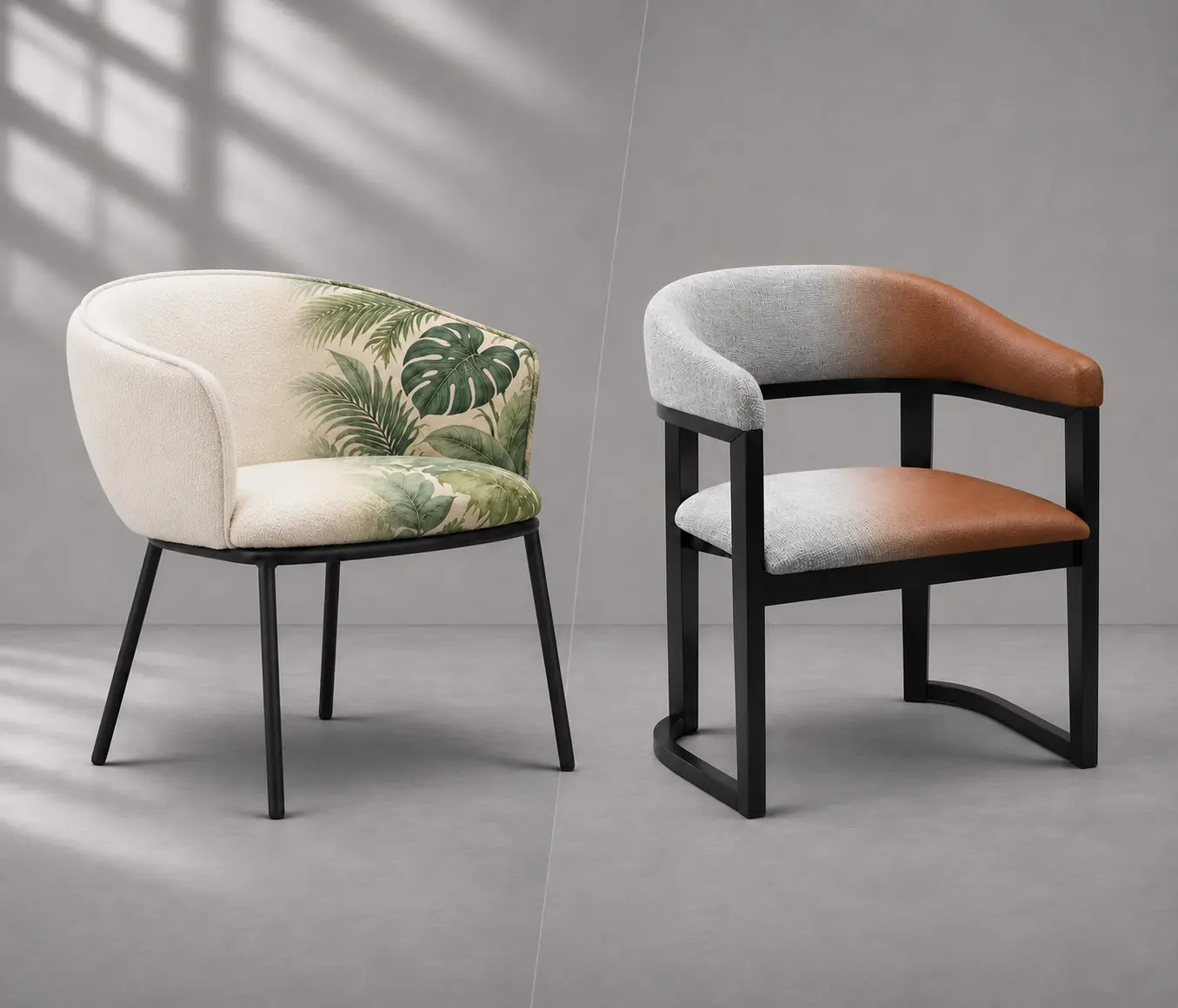
Introducing Try Your Fabric (COM), our new AI fabric preview feature powered by Roomvo. Upload a photo of your fabric swatch and watch it digitally re-upholster the item, helping you explore the combination before moving forward with your project.
That bold pattern for the dining chairs? The soft neutral for a hotel lounge? Give it a try.
A Swatch, a Click, a New Look
- Open a product page.
- Click on “Try your fabric (COM)”.
- Upload a photo of your fabric swatch.
- Watch your fabric transform the piece!
Try a few options, compare the looks, and bring your favorites into the conversation with your client or our team.
Small Project or Big Plans?
COM stands for Customer’s Own Material, and ZUO offers two ways to put yours to work.
Domestic COM is a great option for interior designers working on smaller projects. Our team will help confirm the right item and fabric combination, then coordinate sending your material to our California warehouse for re-upholstery.
Factory COM brings your material into the production process, making it a great fit for larger projects such as hotels and restaurants. It also offers opportunities to explore other materials and customizations.
From Preview to Finished Piece
Once you find a look you like, our team can help turn that idea into a plan.
Share your product SKU, quantity, intended use, delivery location, and target date. Share your fabric details, or ask about textile options for a factory order.
We’ll confirm product eligibility, fabric requirements, pricing, and estimated timing. We’ll also provide shipping instructions for your material.
Found your perfect pairing? Let’s make it your next project.